Image pasters: Difference between revisions
mNo edit summary Tags: Mobile edit Mobile web edit |
|||
| (21 intermediate revisions by 2 users not shown) | |||
| Line 3: | Line 3: | ||
'''Image pasters''' are automated tools that convert images into text so that they can be pasted onto the canvas. A variety of characters and methods can be used for this purpose, and scripters are continuously looking for ways to render images in higher resolutions. | '''Image pasters''' are automated tools that convert images into text so that they can be pasted onto the canvas. A variety of characters and methods can be used for this purpose, and scripters are continuously looking for ways to render images in higher resolutions. | ||
As image pasters are often used for spam, the sharing of such scripts is strongly discouraged. | As image pasters are often used for [[spam]], the sharing of such scripts is strongly discouraged. | ||
== Community reception == | == Community reception == | ||
| Line 15: | Line 15: | ||
One of the oldest and most easily accessible forms of image pasters, since image to braille converters are common on the internet. Braille images are generally black and white, but can achieve relatively high levels of resolution using a small amount of characters. | One of the oldest and most easily accessible forms of image pasters, since image to braille converters are common on the internet. Braille images are generally black and white, but can achieve relatively high levels of resolution using a small amount of characters. | ||
Braille pasters are the primary form of image pasters in OWOT's sister website [[Your World of Text]]. <gallery mode="packed" heights=" | Braille pasters are the primary form of image pasters in OWOT's sister website [[Your World of Text]]. <gallery mode="packed" heights="200"> | ||
File:Braille paste 1.png|Some examples of braille images | File:Braille paste 1.png|Some examples of braille images | ||
File:Colored braille.png|A rare instance of colored braille images. It is unknown if these pictures were manually colored or generated using a specialized image paster. | File:Colored braille.png|A rare instance of colored braille images. It is unknown if these pictures were manually colored or generated using a specialized image paster | ||
File:Colored braille rocket.png|Another colored braille paster | |||
</gallery> | </gallery> | ||
| Line 23: | Line 24: | ||
Images rendered entirely using keyboard characters, with characters of different heights and densities being used for shading. ASCII image pastes are among the lowest in resolution and are insufficient to portray more complex details. | Images rendered entirely using keyboard characters, with characters of different heights and densities being used for shading. ASCII image pastes are among the lowest in resolution and are insufficient to portray more complex details. | ||
Image to text converters are also easy to find on the internet, making them just as accessible as braille pasters.<gallery mode="packed" heights=" | Image to text converters are also easy to find on the internet, making them just as accessible as braille pasters.<gallery mode="packed" heights="200" caption=""> | ||
File:Henry stickmin paste.png | File:Henry stickmin paste.png | ||
File:Ascii image paste robot.png | File:Ascii image paste robot.png | ||
| Line 53: | Line 54: | ||
=== Quadrant === | === Quadrant === | ||
tbd<gallery mode="packed" heights=" | tbd<gallery mode="packed" heights="200"> | ||
File:Quadrant cat color.webp | File:Quadrant cat color.webp | ||
File:Quadrant cat no color.webp | File:Quadrant cat no color.webp | ||
| Line 69: | Line 70: | ||
The only pasting method that can render colored images without the need for text colors. | The only pasting method that can render colored images without the need for text colors. | ||
Emoji-based image pasters are more common in [[Your World of Text|YWOT]], where they are the only way to [https://yourworldoftext.wiki/Color_in_YWOT render multi-colored images on the canvas]. | Emoji-based image pasters are more common in [[Your World of Text|YWOT]], where they are the only way to [https://yourworldoftext.wiki/Color_in_YWOT render multi-colored images on the canvas].<gallery mode="packed" heights="200"> | ||
[[File:Windows xp background ywot.png|center|thumb| | File:Emoji paste november 7 2025.png | ||
File:Emoji paste november 22 2025.png | |||
</gallery>[[File:Windows xp background ywot.png|center|thumb|402x402px|From [[YWOT]]]] | |||
=== Other methods === | === Other methods === | ||
More unconventional image pasters, such as ones that combine multiple types of characters.<gallery mode="packed" heights=" | More unconventional image pasters, such as ones that combine multiple types of characters.<gallery mode="packed" heights="200" caption="An image paster by [[Haster]] that uses a variety of unicode and SLC"> | ||
File:Weird thing made out of unicode.png | File:Weird thing made out of unicode.png | ||
</gallery> | </gallery> | ||
<gallery mode="packed" heights=" | <gallery mode="packed" heights="200" caption="Black and white full block pastes that also use other symbols"> | ||
File:This man paste.png | File:This man paste.png | ||
File:Rubiks cube paste.png|From YWOT | File:Rubiks cube paste.png|From YWOT | ||
File:Apple paste.png|From YWOT | File:Apple paste.png|From YWOT | ||
</gallery><gallery mode="packed" heights=" | </gallery><gallery mode="packed" heights="200" caption="An image paste which utilizes a mix of quadrants and triangle unicodes(''Created by [[Caioz]]'')"> | ||
File:Quadrant triangle paste 1.png | File:Quadrant triangle paste 1.png | ||
File:Quadrant triangle paste 2.png | File:Quadrant triangle paste 2.png | ||
| Line 102: | Line 105: | ||
Created by [[Scar32]] in ~January 2023. Coded using [https://scratch.mit.edu/projects/799825675 Scratch]. | Created by [[Scar32]] in ~January 2023. Coded using [https://scratch.mit.edu/projects/799825675 Scratch]. | ||
An unconventional image paster that scans photos and renders them using SLC slopes.<gallery mode="packed" heights=" | An unconventional image paster that scans photos and renders them using SLC slopes.<gallery mode="packed" heights="200"> | ||
File:Scar32 image paste 1.png | File:Scar32 image paste 1.png | ||
File:Scar32 image paste error.png | File:Scar32 image paste error.png | ||
| Line 112: | Line 115: | ||
=== KKosty4ka's image paster === | === KKosty4ka's image paster === | ||
[[KKosty4ka]]<gallery mode="packed" heights=" | [[KKosty4ka]]<gallery mode="packed" heights="200"> | ||
File:Kkosty4ka image paster 1.png | File:Kkosty4ka image paster 1.png | ||
File:Kkosty4ka image paster 2.png | File:Kkosty4ka image paster 2.png | ||
</gallery> | </gallery> | ||
=== Crazy Cat Lady's image paster === | === Crazy Cat Lady's image paster === | ||
<blockquote>''to expand more upon it, yes it uses 2x4 octants. i want to try and increase the resolution further though and yea, this one adheres to the paste rate because it copies the image to your clipboard so you can paste it yourself, so no worries there'' | <blockquote>''to expand more upon it, yes it uses 2x4 octants. i want to try and increase the resolution further though and yea, this one adheres to the paste rate because it copies the image to your clipboard so you can paste it yourself, so no worries there'' | ||
| Line 143: | Line 144: | ||
The script can render images using both full blocks and octants, and allows users to customize the dimensions of image pastes. | The script can render images using both full blocks and octants, and allows users to customize the dimensions of image pastes. | ||
[[File:Cathavi image paster.gif|center|thumb|500x500px]]<gallery mode="packed" heights=" | [[File:Cathavi image paster.gif|center|thumb|500x500px]]<gallery mode="packed" heights="250"> | ||
File:Cathavi image paster august 17 color.webp | File:Cathavi image paster august 17 color.webp | ||
File:Cathavi image paster august 17 no color.png | File:Cathavi image paster august 17 no color.png | ||
</gallery><gallery mode="packed" heights=" | </gallery><gallery mode="packed" heights="200"> | ||
File:Cathavi image paster september 15 color.png | File:Cathavi image paster september 15 color.png | ||
File:Cathavi image paster september 15 no color.png | File:Cathavi image paster september 15 no color.png | ||
</gallery> | |||
=== Haster's image paster === | |||
Contains modes for full blocks, half blocks, quadrants, sextants and octants. Image dimensions are adjustable just like with Catha'vi's image paster. | |||
[[File:Waller ameno image paster.png|center|thumb|466x466px]] | |||
=== SLC paster from November 2025 === | |||
Comes with the ability to rotate images. | |||
The creator of this image paster was also responsible for a series of [[Spam#SLC spam|SLC-based spam scripts]].<gallery mode="packed" heights="350"> | |||
File:Slc paste blue coral.png | |||
File:Slc paste blue coral no color.png | |||
</gallery><gallery mode="packed" heights="300"> | |||
File:Slc paste goldship.png | |||
File:Slc paste goldship no color.png | |||
</gallery><gallery mode="packed"> | |||
File:Slc paste sea slug.png | |||
File:Slc paste sea cucumber.png | |||
File:Slc paste comb jelly.png | |||
</gallery> | |||
=== e_g.'s SLC paster === | |||
Likely created in response to the previous paster.<gallery mode="packed" heights="350"> | |||
File:Slc paste november 15 2025 color.webp | |||
File:Slc paste november 15 2025 no color.png | |||
</gallery> | |||
=== Pixelmess' image paster === | |||
Leaked in an image paster leak and saved by [[NextOS]], given to [[PixelMess]] on November 20th 2025. | |||
Uses full blocks and the occasional letter/unicode symbol.<gallery mode="packed" heights="300"> | |||
File:Pixelmess paste color.png | |||
File:Pixelmess paste no color.png | |||
</gallery> | </gallery> | ||
=== Miscellaneous === | === Miscellaneous === | ||
Various other image pasters(''mostly by anonymous users'') with different styles. [[File:Imagepaste horse.png|center|737x737px|thumb|"''Vibe coding makes an image paster.''" ]]<gallery mode="packed" heights=" | Various other image pasters(''mostly by anonymous users'') with different styles. [[File:Imagepaste horse.png|center|737x737px|thumb|"''Vibe coding makes an image paster.''" ]]<gallery mode="packed" heights="200" caption="Various types of octant pasters"> | ||
File:Octant paste 5.png|(''Created by [[Caioz]]'') | File:Octant paste 5.png|(''Created by [[Caioz]]'') | ||
File:Octant paste 6.png|(''Created by [[Caioz]]'') | File:Octant paste 6.png|(''Created by [[Caioz]]'') | ||
</gallery><gallery mode="packed" heights=" | </gallery><gallery mode="packed" heights="200"> | ||
File:Octant paste 7.png | File:Octant paste 7.png | ||
File:Octant paste 8.png | File:Octant paste 8.png | ||
</gallery><gallery mode="packed" heights=" | </gallery><gallery mode="packed" heights="200"> | ||
File:Octant paste 9.png | File:Octant paste 9.png | ||
File:Octant paste 10.png | File:Octant paste 10.png | ||
</gallery> | </gallery> | ||
[[File:Test world.png|center|thumb| | [[File:Test world.png|center|thumb|540x540px|Massive image pastes in [https://ourworldoftext.com/test /test], the largest of which is 19 coordinates tall and 38 coordinates wide.]] | ||
== Art created by modifying image pastes == | == Art created by modifying image pastes == | ||
<gallery mode="packed" heights=" | |||
File:The father.png | === Using OWOT as a photo editor === | ||
<gallery mode="packed" heights="200"> | |||
File:Paw tuah.png|December 4th, 2024 | |||
File:The father.png|July 25th, 2025 | |||
File:Image paste eyes october 29 2025.png|October 29th, 2025 | |||
File:Sitting on owot.png|October 29th, 2025 | |||
File:Trump.png|November 2nd, 2025 | |||
File:Trump shrine.png|November 2nd, 2025 | |||
File:This cooler is for 2 things.png|November 10th, 2025 | |||
File:Orange teeth.webp|November 16th, 2025 | |||
File:Orange eat earth.png|November 17th, 2025 | |||
File:Screenshot 2025-11-22 at 9.16.09 PM.png|November 22nd, 2025 | |||
File:Fp plane.png|December 3rd, 2025 | |||
</gallery> | </gallery> | ||
[[File: | [[File:Nalani proctor evolution.png|center|thumb|740x740px|[https://ourworldoftext.com/archivetests#x:87987988,y:87987978799 /archivetests#x:87987988,y:87987978799]]] | ||
<gallery mode="packed" heights="150" caption="Manually fine-tuning image pastes of popular logos, and then redoing the edges with SLC slopes. Read more at [[SLC logos]]. | [[File:Popsicle spear.png|center|thumb|November 7th, 2025]] | ||
=== Tracing over image pastes using [[Symbols for Legacy Computing|SLC]] === | |||
<gallery mode="packed" heights="150" caption=""> | |||
File:890 logos process.png|Manually fine-tuning image pastes of popular logos, and then redoing the edges with SLC slopes. | |||
File:890 logos 6.png|Read more at [[SLC logos]]. | |||
File:890 logos 4.png | File:890 logos 4.png | ||
File:Slc happy meal box.png | File:Slc happy meal box.png | ||
File:890 logos 8.png|alt=The video in question | File:890 logos 8.png|alt=The video in question | ||
</gallery> | </gallery> | ||
[[File:Slc goldship.png|center|thumb|402x402px]] | |||
== Text-based video players == | == Text-based video players == | ||
Latest revision as of 06:57, 5 December 2025
*See background images for instances of full resolution images in OWOT
Image pasters are automated tools that convert images into text so that they can be pasted onto the canvas. A variety of characters and methods can be used for this purpose, and scripters are continuously looking for ways to render images in higher resolutions.
As image pasters are often used for spam, the sharing of such scripts is strongly discouraged.
Community reception

Lorem ipsum dolor sit amet, consectetur adipiscing elit, sed do eiusmod tempor incididunt ut labore et dolore magna aliqua. Ut enim ad minim veniam, quis nostrud exercitation ullamco laboris nisi ut aliquip ex ea commodo consequat. Duis aute irure dolor in reprehenderit in voluptate velit esse cillum dolore eu fugiat nulla pariatur. Excepteur sint occaecat cupidatat non proident, sunt in culpa qui officia deserunt mollit anim id est laborum.
Sed ut perspiciatis unde omnis iste natus error sit voluptatem accusantium doloremque laudantium, totam rem aperiam, eaque ipsa quae ab illo inventore veritatis et quasi architecto beatae vitae dicta sunt explicabo. Nemo enim ipsam voluptatem quia voluptas sit aspernatur aut odit aut fugit, sed quia consequuntur magni dolores eos qui ratione voluptatem sequi nesciunt. Neque porro quisquam est, qui dolorem ipsum quia dolor sit amet, consectetur, adipisci velit, sed quia non numquam eius modi tempora incidunt ut labore et dolore magnam aliquam quaerat voluptatem. Ut enim ad minima veniam, quis nostrum exercitationem ullam corporis suscipit laboriosam, nisi ut aliquid ex ea commodi consequatur? Quis autem vel eum iure reprehenderit qui in ea voluptate velit esse quam nihil molestiae consequatur, vel illum qui dolorem eum fugiat quo voluptas nulla pariatur?
Types of image pasters
Braille
One of the oldest and most easily accessible forms of image pasters, since image to braille converters are common on the internet. Braille images are generally black and white, but can achieve relatively high levels of resolution using a small amount of characters.
Braille pasters are the primary form of image pasters in OWOT's sister website Your World of Text.
-
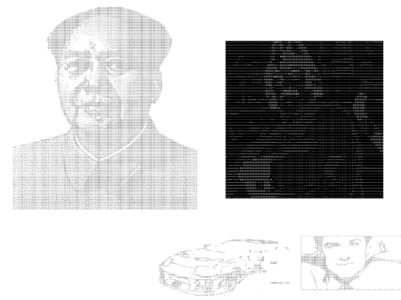 Some examples of braille images
 -
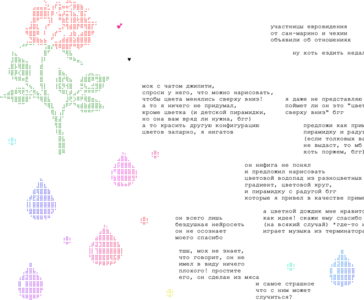 A rare instance of colored braille images. It is unknown if these pictures were manually colored or generated using a specialized image paster
 -
 Another colored braille paster


ASCII
Images rendered entirely using keyboard characters, with characters of different heights and densities being used for shading. ASCII image pastes are among the lowest in resolution and are insufficient to portray more complex details.
Image to text converters are also easy to find on the internet, making them just as accessible as braille pasters.


Full block(black and white)
Represents contrasts in color using the full block characters "░ ▒ ▓ █." This method is more common on YWOT.

Full block(color)
Using the full block "█," it is possible to render one color in each text cell. Two cells can also be combined to form a square pixel.
Full block pasters used to be the primary form of image pasters in OWOT, but have grown out of fashion ever since November 2024, when a variety of higher resolution methods were made possible by the introduction of customizable cell colors to the mainpage.

Half block
By using the half block symbols "▀" and "▄," it is possible to divide each text cell into two pixels of different colors, with one color being the half block itself and the other being the cell background color.


Octant
Using octant characters, it is possible to divide each text cell into eight pixels, though only two colors can be present in any given cell. Octants allow for higher resolution images than half blocks, though the two color limitation means that some amount of distortion will be visible at smaller scales.


Quadrant
tbd


Sextant
tbd
-
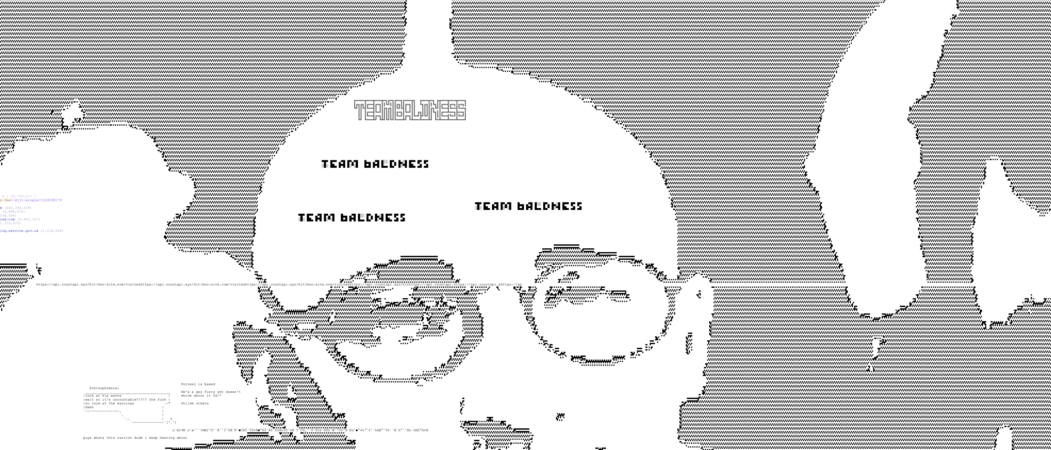 Image paste using uncolored sextants

SLC
Images can also be rendered using Symbols for Legacy Computing, giving them a blurry but stylistic appearance.

Emoji
The only pasting method that can render colored images without the need for text colors.
Emoji-based image pasters are more common in YWOT, where they are the only way to render multi-colored images on the canvas.


Other methods
More unconventional image pasters, such as ones that combine multiple types of characters.
- An image paster by Haster that uses a variety of unicode and SLC
-


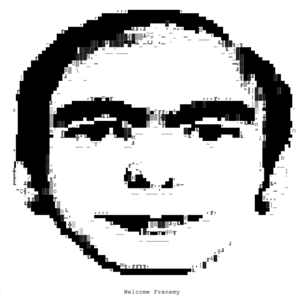
- Black and white full block pastes that also use other symbols
-
-
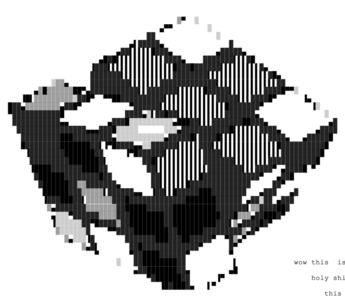 From YWOT
 -
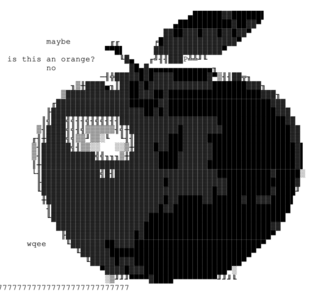 From YWOT


- An image paste which utilizes a mix of quadrants and triangle unicodes(Created by Caioz)
-
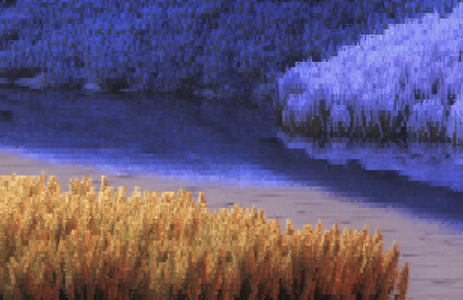
-


Notable image pasters
Image pasters with unique traits and/or an interesting history.
PinkiePie's image paster
Back in ~2022, notorious user PinkiePie created an especially powerful image paster that could not be disabled due to it being a chrome extension rather than a regular script.
The paster had several other unique features, such as pasting all characters instantly, being able to paste around protected areas(whereas other pasters would stop the moment they touch an uneditable tile), and allowing the user to perform other actions with their cursor while the paste is in progress.
PinkiePie used this tool primarily for the purpose of spamming MLP porn at spawn.
Moonrays' image paster
Created in 2022. Comes with its own interface.

Scar32's image paster
Created by Scar32 in ~January 2023. Coded using Scratch.
An unconventional image paster that scans photos and renders them using SLC slopes.


KKosty4ka's image paster


Crazy Cat Lady's image paster
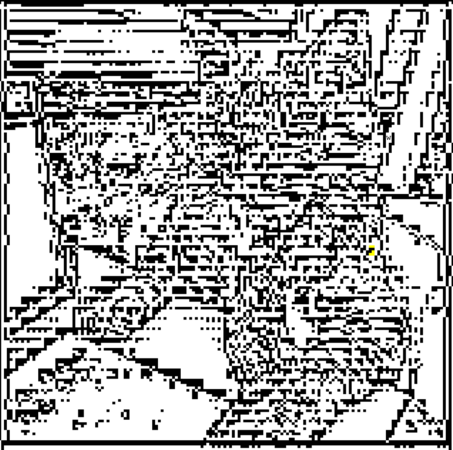
to expand more upon it, yes it uses 2x4 octants. i want to try and increase the resolution further though and yea, this one adheres to the paste rate because it copies the image to your clipboard so you can paste it yourself, so no worries there
after being on owot for a week or two, i've seen quite a few basic image pasters used (either full unicode block or half-blocks), and i've been thinking basic ones might actually be worse for the site - since the converted images are lower resolution, users will want to paste them really big so the picture is discernible..
although my paster is more advanced, i think it would be less damaging because people wouldn't feel a need to paste such large images (and the conversion process is more complicated, so creating large images will take more time)
i could potentially add a sneaky throttle to make it more annoying to produce very large pastes, but personally i'd rather give out exactly what im using because that feels more fair
anyways, i get the concern of making any image paster easily accessible, so i won't post it unless that sounds okay with everyone!!
— CCL asking for permission to release her image paster to the public
A high quality image paster that renders pictures using octants.
The paster was mainly used to render photos of cats on the canvas, though on several occasions CCL also used it to post face reveals at Spawn.
CCL had planned to release the script to the community, though several users(including FP) advised her not to.
-
 Colors on
 -
 Colors off


Catha'vi's image paster
Created by Catha'Vi in August of 2025 for the primary purposes of pasting memes at Spawn.
The script can render images using both full blocks and octants, and allows users to customize the dimensions of image pastes.


Haster's image paster
Contains modes for full blocks, half blocks, quadrants, sextants and octants. Image dimensions are adjustable just like with Catha'vi's image paster.

SLC paster from November 2025
Comes with the ability to rotate images.
The creator of this image paster was also responsible for a series of SLC-based spam scripts.


e_g.'s SLC paster
Likely created in response to the previous paster.


Pixelmess' image paster
Leaked in an image paster leak and saved by NextOS, given to PixelMess on November 20th 2025.
Uses full blocks and the occasional letter/unicode symbol.


Miscellaneous
Various other image pasters(mostly by anonymous users) with different styles.


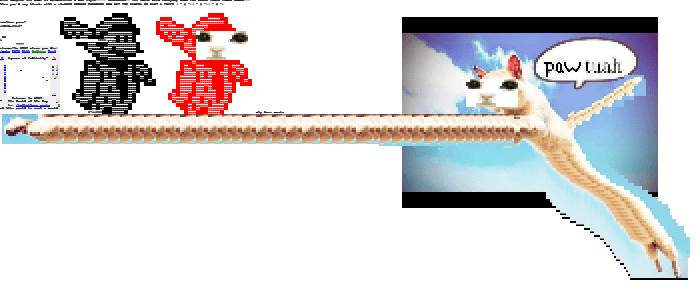
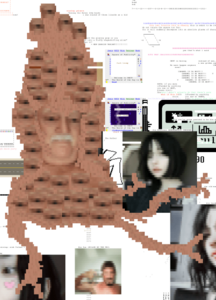
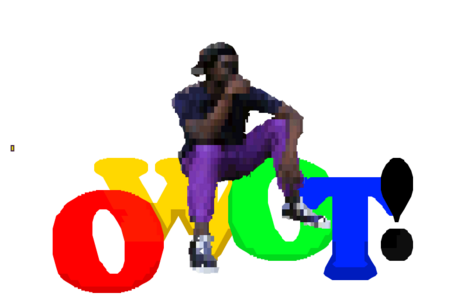
Art created by modifying image pastes
Using OWOT as a photo editor
-
 December 4th, 2024
 -
 July 25th, 2025
 -
 October 29th, 2025
 -
 October 29th, 2025
 -
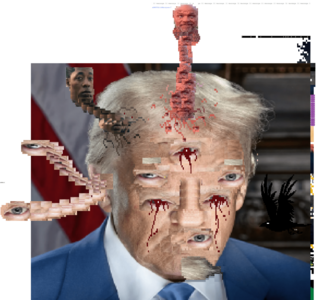 November 2nd, 2025
 -
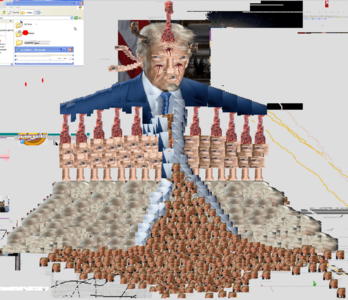 November 2nd, 2025
 -
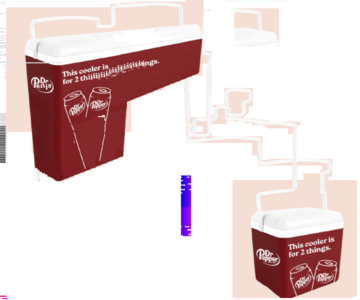 November 10th, 2025
 -
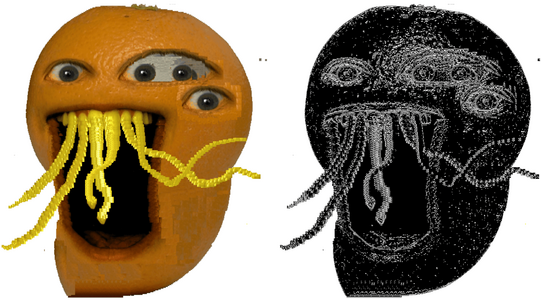 November 16th, 2025
 -
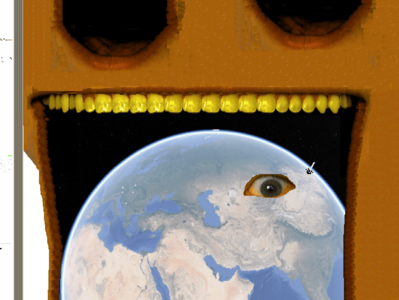 November 17th, 2025
 -
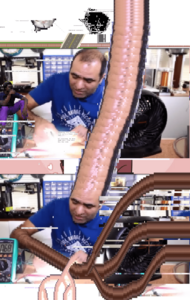 November 22nd, 2025
 -
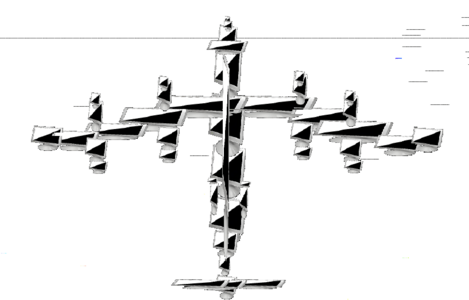 December 3rd, 2025


Tracing over image pastes using SLC
-
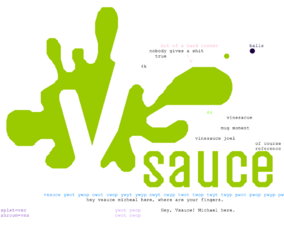
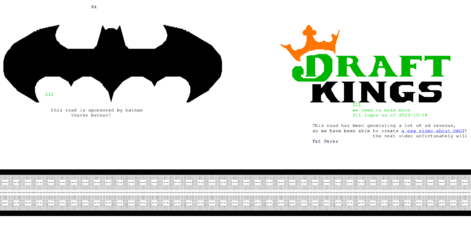
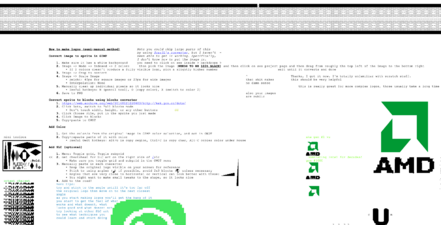 Manually fine-tuning image pastes of popular logos, and then redoing the edges with SLC slopes.
 -
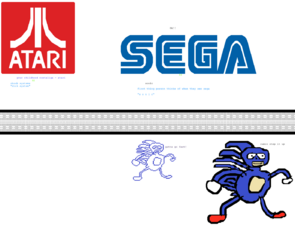 Read more at SLC logos.
 -
-
-


Text-based video players
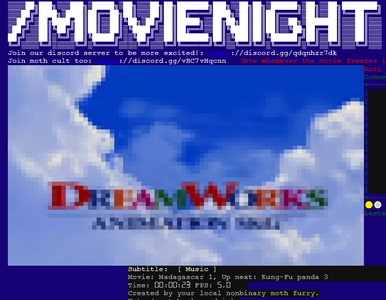
Videos can be rendered onto the canvas in the same way as static images, though scripts that allow for this are much rarer.
-
-
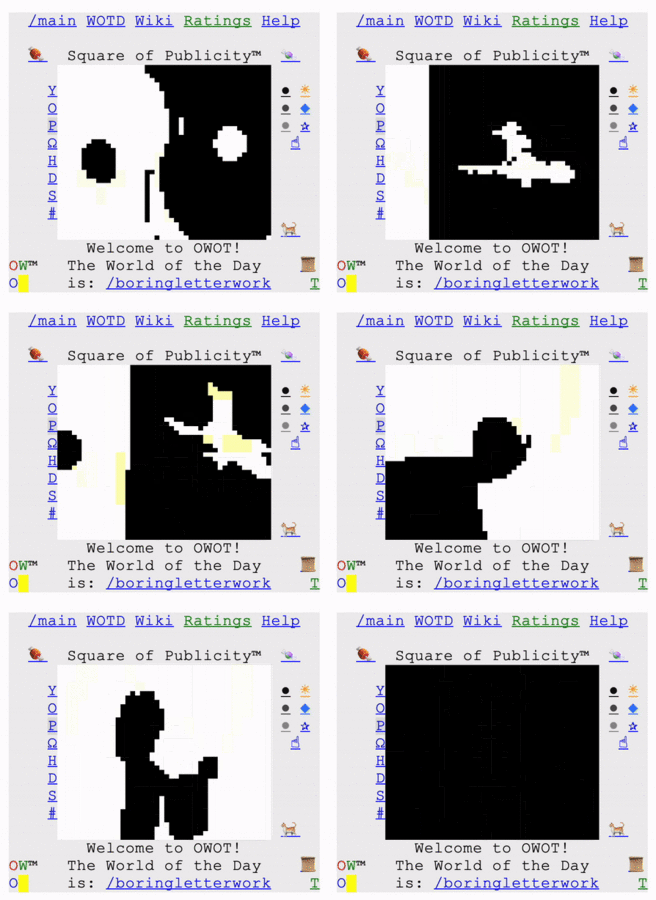 During September 2024, Mr. Black would use octants to render black and white videos in the Center Console. Frame rate was capped at 2 fps due to stricter rate limits at Spawn.
 -
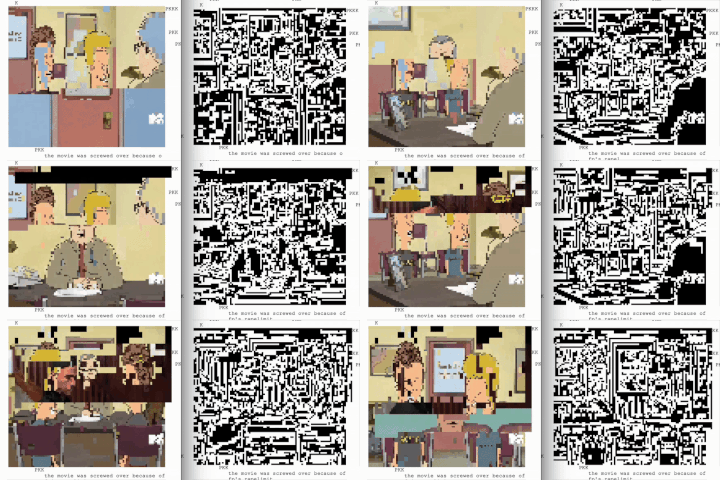 Another octant-based video player which rendered footage in full color, albeit at a much lower frame rate.


