Background images
*Not to be confused with Image Pasters
Admins have the ability to display full resolution images on the backgrounds of text cells. This feature has only been used a handful of times and is not available to the general public. There is an unspoken rule, however, that any user can request FP to add a background image to their worlds. All you need to do is provide him with an image of your choosing, though FP can deny your request for any number of reasons.
Background images have been a suggested feature since the inception of modern OWOT in 2017, and were realized not too long after the site's launch.
List of worlds with background images

With all of the following worlds, there is an added option in the menu that lets you turn off background images.
Background images can exist at a singular location on a world, or cover the entire page in an infinitely looping pattern.
Worlds created by FP
- /changelog
- Same as /Pumpkin
- Same as /fp/halloween_2019_spawn_Test(Single image)
- /fp/christmas
- Same as /fp/christmas_tree_wide_char
- /fp/back_test_634734758
- /fp/gridtest
- /unthink
- /owot/backs
- /Halloween23(Pixel art background by Poopman)
- /thanksgiving23(Pixel art background by Poopman)
- /fp/hallotest
- /fp/fpthinkaaa(Single image)
- /fp/(Single image)
- /emotes(List of all Discord/Chat emotes)
- The Mainpage(For select events)
User worlds with custom backgrounds
After providing FP with an image to add to the background.
- /blugars_world(Requested by Colton on May 9th, 2019)
- /pizzatower(Requested by Colton on April 3rd, 2020)
Gallery
-
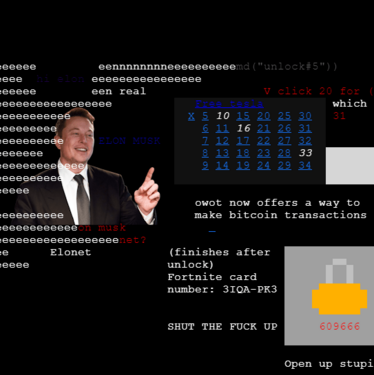 A picture of Elon Musk was displayed at Spawn for April Fools 2024
 -
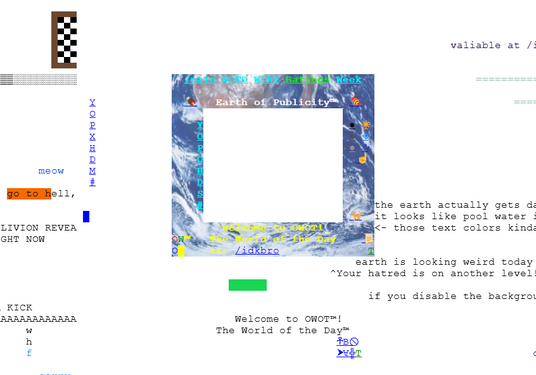 "Earth of Publicity" for Earth Day 2025
 -
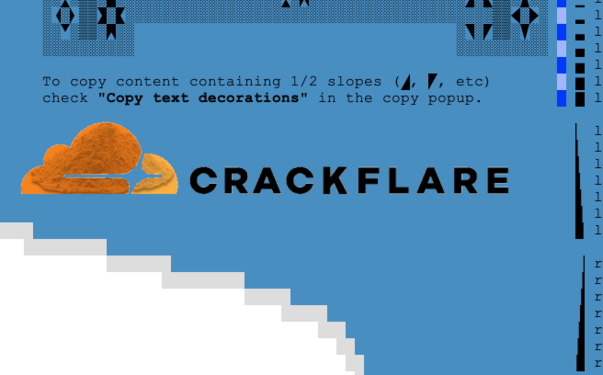 Image uploaded to /fp in protest of OWOT's phishing warning, which was imposed by Cloudflare after a series of false reports


-
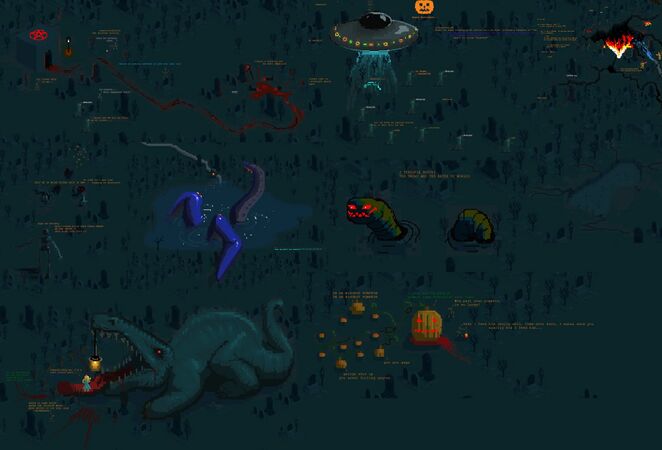 Pixel art background for /Halloween23
 -
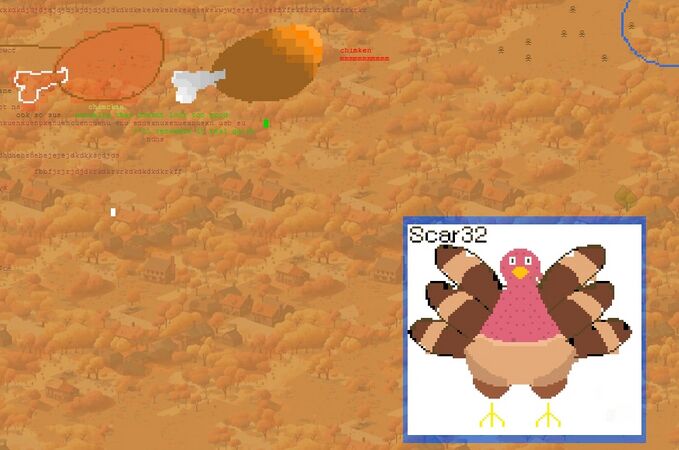 Pixel art background for /thanksgiving23


Trivia
- Fern once considered displaying a pride flag on the center console for Pride Month 2025.
- There is a bug where background images stay on the screen after teleporting to another world using the
/warpcommand.