Symbols for Legacy Computing: Difference between revisions
| Line 32: | Line 32: | ||
== How to Make SLC Art == | == How to Make SLC Art == | ||
[i'm not an expert on this so someone else fill this in] | [i'm not an expert on this so someone else fill this in] | ||
| Line 39: | Line 38: | ||
In order to keep track of symbols, it is helpful to paste them from pre-existing art, or to use the SLC toolbox in [https://ourworldoftext.com/slc_font /slc_font]. | In order to keep track of symbols, it is helpful to paste them from pre-existing art, or to use the SLC toolbox in [https://ourworldoftext.com/slc_font /slc_font]. | ||
And finally, the key is to experiment with symbols and shapes as much as possible. Try thinking outside the box. | And finally, the key is to experiment with symbols and shapes as much as possible. Try thinking outside the box.[[File:Slc toolbox.png|thumb|131x131px|From [https://ourworldoftext.com/slc_font /slc_font], use ctrl+a to copy individual characters|none]] | ||
=== 2D SLC Art === | === 2D SLC Art === | ||
A rough guide on how to draw slopes using SLC. | A rough guide on how to draw slopes using SLC. | ||
Revision as of 14:42, 11 August 2025

Symbols for Legacy Computing, commonly abbreviated to "SLC", are a set of Unicode symbols, mostly used within OWOT for making art. OWOT added support for the original "Symbols for Legacy Computing" Unicode block on October 7th, 2022, and later added support for the supplemental Unicode block on November 7th, 2022.
Among other things, SLC characters can be used to make smoother shapes, or create the illusion of 3D objects when used in conjunction with the ability to change cell background colors. They have also been a valuable asset for scripters trying to make photorealistic image pasters.
Artists such as JRT, AndreiXYZ, Fox, Place_holdrr and Polonez have taken great advantage of SLC ever since its introduction to OWOT.
SLC Test Worlds
/slc
*See also Symbols for Legacy Computing.

/slc was created for users to test out the first set of SLC characters, which were implemented on October 7th, 2022. Symbols introduced in the update allowed artists to create smooth shapes that can be colored to create simplistic drawings.

/slc2
*See also Symbols for Legacy Computing Supplement.

A much larger set of SLC characters were introduced on November 7th, 2022, and along with it a second test world named /slc2. SLC 2 introduced a variety of box drawing characters that allowed users to effectively replicated pixel art within OWOT.
A number of interesting but less useful characters were also included, such as six quartets of symbols that each combine to form a chess piece.

/bcolor
Though not explicitly related to SLC, the ability to customize background colors for individual cells greatly expands the scope of SLC art.
Namely, customizable cell backgrounds allow for two diagonal planes touch within a single text cell, which can now contain two separate colors(the color of the text itself and the color of the background). This means that SLC's pre-existing ability to make smoother and more complex shape can now be leveraged for 3D art.
The test world /bcolor showcases a variety of 3D creations that can be made by combining the two features.
This update also allows for increasingly photorealistic image pasters.

How to Make SLC Art
[i'm not an expert on this so someone else fill this in]
SLC art can be incredibly tedious to make, since even the most basic drawings require a wide range of symbols to construct. But the upside is that you can create some of the most surreal art possible in a limited medium like OWOT.
In order to keep track of symbols, it is helpful to paste them from pre-existing art, or to use the SLC toolbox in /slc_font.
And finally, the key is to experiment with symbols and shapes as much as possible. Try thinking outside the box.

2D SLC Art
A rough guide on how to draw slopes using SLC.
*Note: Not all of the characters displayed below fall within the "Symbols for Legacy Computing" or "Symbols for Legacy Computing Supplement" Unicode blocks.
*Several symbols are not included in the images below.


How to Make a SLC Cube
A standard SLC cube is six characters in width and four in height. The second lowest row(or second highest, if you're making an upside down cube) is consisted entirely of the default block "█," while all other layers are made from SLC slope characters. The row directly above(or below) it makes use of customized cell backgrounds to facilitate the intersection of three different colored planes.
SLC cubes have three faces, each with their own color. Most artists decorate their cubes with different shades of the same color in order to represent lighting.
You can obtain the necessary symbols by copying them from a pre-existing cube using Ctrl + A, and then changing the colors to your liking. There is also a handy SLC toolbox at the top of /slc_font.
SLC cubes can be stacked and combined to create 3D pixel art. The ability to change cell colors allows two colors to exist within any given cell, so use this feature whenever two different colored cubes touch at their diagonal edges.


How to Make a Unicode Cube

The second type of OWOT cubes face the screen at a more direct angle. They actually contain no SLC characters whatsoever, but are still included here due to their resemblance to cubes that do use SLC.
They are created using the default block character "█" along with the triangular unicodes "◢ ◣ ◤ ◥." Critically, the triangles must have the "bold" text decoration, which can be accessed using Ctrl + Q.
Standard unicode cubes are smaller than SLC cubes at five characters wide and three characters tall, but like their SLC counterparts they have three colors for each of their faces.
It is important to note that both unicode and SLC cubes can be expanded to any size you want.
- SLC Cubes(Top) and Unicode Cubes(Bottom)
-

-


More Complex SLC Art

Lorem ipsum dolor sit amet, consectetur adipiscing elit, sed do eiusmod tempor incididunt ut labore et dolore magna aliqua. Ut enim ad minim veniam, quis nostrud exercitation ullamco laboris nisi ut aliquip ex ea commodo consequat. Duis aute irure dolor in reprehenderit in voluptate velit esse cillum dolore eu fugiat nulla pariatur. Excepteur sint occaecat cupidatat non proident, sunt in culpa qui officia deserunt mollit anim id est laborum.
Sed ut perspiciatis unde omnis iste natus error sit voluptatem accusantium doloremque laudantium, totam rem aperiam, eaque ipsa quae ab illo inventore veritatis et quasi architecto beatae vitae dicta sunt explicabo. Nemo enim ipsam voluptatem quia voluptas sit aspernatur aut odit aut fugit, sed quia consequuntur magni dolores eos qui ratione voluptatem sequi nesciunt. Neque porro quisquam est, qui dolorem ipsum quia dolor sit amet, consectetur, adipisci velit, sed quia non numquam eius modi tempora incidunt ut labore et dolore magnam aliquam quaerat voluptatem. Ut enim ad minima veniam, quis nostrum exercitationem ullam corporis suscipit laboriosam, nisi ut aliquid ex ea commodi consequatur? Quis autem vel eum iure reprehenderit qui in ea voluptate velit esse quam nihil molestiae consequatur, vel illum qui dolorem eum fugiat quo voluptas nulla pariatur?
SLC Art Gallery
AndreiXYZ

AndreiXYZ has occasionally dabbled in SLC art throughout his long history on the site.
He is a big advocate of OWOT as a medium for art and favors the art-centric world /main over the frontpage.
-

-
 Inspired by Meimei's Christmas 2022 art


JRT
After becoming active in August of 2024, JRT quickly became most skilled(and most prolific) SLC artist in all of OWOT.
His drawings can be found all over the site, garnering large amounts of praise whenever they are posted at Spawn or onto the OWOT Discord.
-
 *Soylent bottle is by Andrei
 -

-

-

-

-
 Based off of art by Crazy cat lady
 -
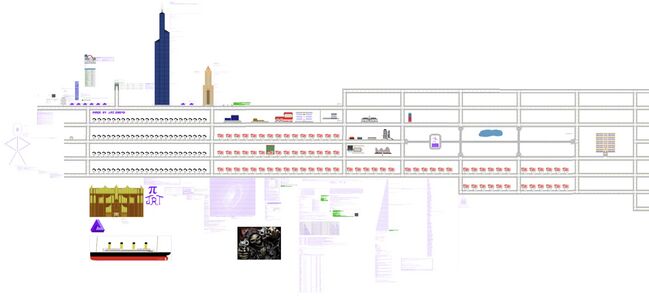 Speed of Light City in /main
 -
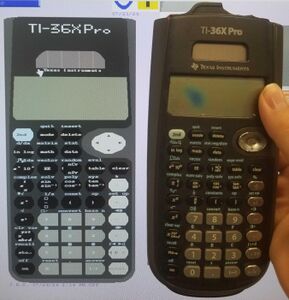


Fox
Fox learned how to use SLC on its own from creating various art using SLC, such as an earlier version of a Wheel Of Fortune puzzleboard (not shown here), refining an existing drawing of Mewo from Omori, or from its most commonly recognized drawing, a 3D Minecraft fox. The 3D fox was routinely (and even automatically at one point) maintained at the North of spawn for months on end before eventually losing motivation to continue restoring it.
They have also created a script for creating 3D block drawings.


Place_holdrr
Place_holdrr is an artist of a similar skill level to JRT, but who destroyed most of their reputation during the LaserLime incident. Since then they have been working on rebuilding trust within the community.
Place_holdrr specializes in drawing guns and other weapons.


Polonez
Polonez is a former troll who has recently decorated Lime.owot's radio with a variety of high quality SLC art.
Lime.owot


The Carrion
An abomination of SLC and unicodes.
Iterations of The Carrion have been a staple at spawn since November 2024, with the creature taking on a variety of grotesque forms over its many appearances.
It is unclear whether there is a single creator behind The Carrion, or if it's a shared idea between many different users.


Yosicat
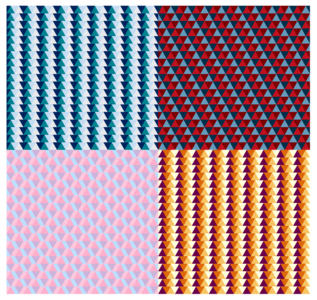
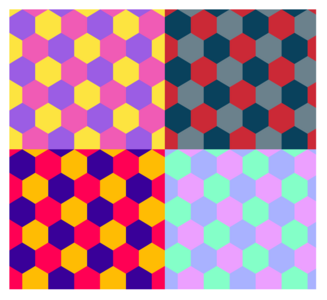
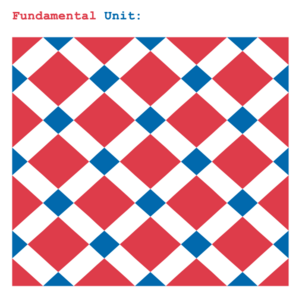
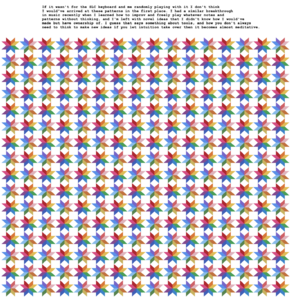
Yosicat picked up SLC art in ~July of 2025 and is improving rapidly. So far they have created multiple high quality patterns.
He is also an avid creator of ASCII art, and has cited text art as his inspiration for picking up traditional drawing.

-
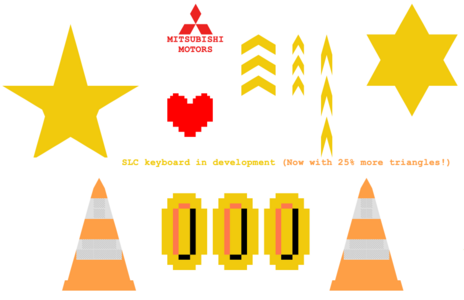 Early experimentation with SLC
 -
-
-
-
-
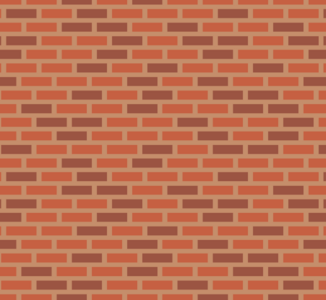
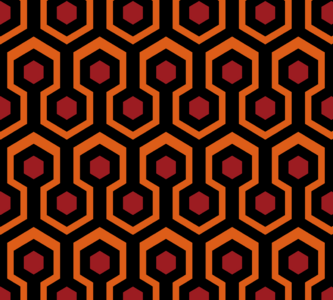 Carpet pattern from The Shining
 -
-
-
-
-
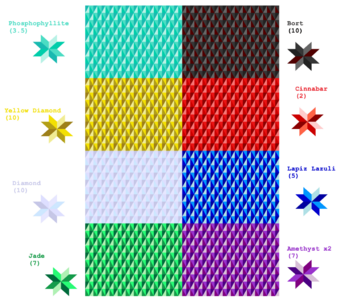 Inspired by characters from Land of the Lustrous


Miscellaneous

/slc_font
/slc_font is a world owned by Guest-1052 where users are encouraged to make custom fonts out of SLC characters. You are free to paste these fonts anywhere and use them to write whatever you want.