Worlds: Difference between revisions
add section on advanced settings (todo: clean up) |
|||
| (13 intermediate revisions by 6 users not shown) | |||
| Line 1: | Line 1: | ||
<!-- todo: clean up by using bulleted lists --> | <!-- todo: clean up by using bulleted lists | ||
{{ | |||
-->{{Stub}} | |||
{{Redirect|Worlds|a list of OWOT worlds|Category:Worlds}} | |||
[[File:ExampeOWOTWorld.jpeg|thumb|Example owot world]] | [[File:ExampeOWOTWorld.jpeg|thumb|Example owot world]] | ||
A | A '''world''' is a claimable [[OWOT]] URL. For example, {{owoturl|exampleworldforwiki}}. | ||
To claim a world you need to | |||
To claim a world you need to have an account. Guest accounts cannot own worlds. | |||
World owners can change world settings, | == World Settings == | ||
However | World owners can change world settings such as themes, colors, background colors, [[Member|world members]], etc. | ||
[[File: | However, admins get extra world settings, like changing the background image of the world and setting a script to be automatically run when a world is entered.[[File:WorldSettings.jpeg|thumb|World settings|center]] | ||
If you click Advanced under Miscellaneous, you | === Advanced world settings === | ||
If you click "Advanced" under "Miscellaneous", you'll be able to change advanced settings such as cell dimensions, write intervals, rate limits, meta descriptions, private notes, NSFW status (barely used), logging edits, disabling global chat, limiting copying and a membership key.[[File:Advancedworldsettings.png|thumb|The advanced settings menu for a world (namely /notthatguy)|center]] | |||
[[File: | == World claiming and shown worlds == | ||
If you have | If you have an account and go to [https://ourworldoftext.com/accounts/profile your profile], you can see a list of your claimed worlds and an input box which allows you to claim a world.[[File:Claim_a_world.jpeg|thumb|Claim and claimed worlds|center]] | ||
== WOTD == | |||
[[File: | {{Main|WOTD}} | ||
Worlds can be requested at [https://ourworldoftext.com/fp/submit /fp/submit] to get added to the poll so they can become a [[WOTD]].[[File:FpSubmit.jpeg|thumb|/fp/submit|center]] | |||
== World Ratings == | |||
{{Main|World Ratings}} | |||
Users have a long running traditions of leaving customized ratings on the worlds they visit.<gallery mode="packed" heights="200"> | |||
File:Tap20 rating.png|By [[Theawesomepikachu20]] | |||
File:Prs.png|By [[Pippin]] | |||
File:Cv rates.png|By [[Cv]] | |||
</gallery> | |||
== Gallery == | |||
<gallery mode="packed" heights="400"> | |||
File:Big owot worlds.jpg|[[Large OWOT Screenshots|Stitched screenshots]] of notable worlds by [[Rscr]] | |||
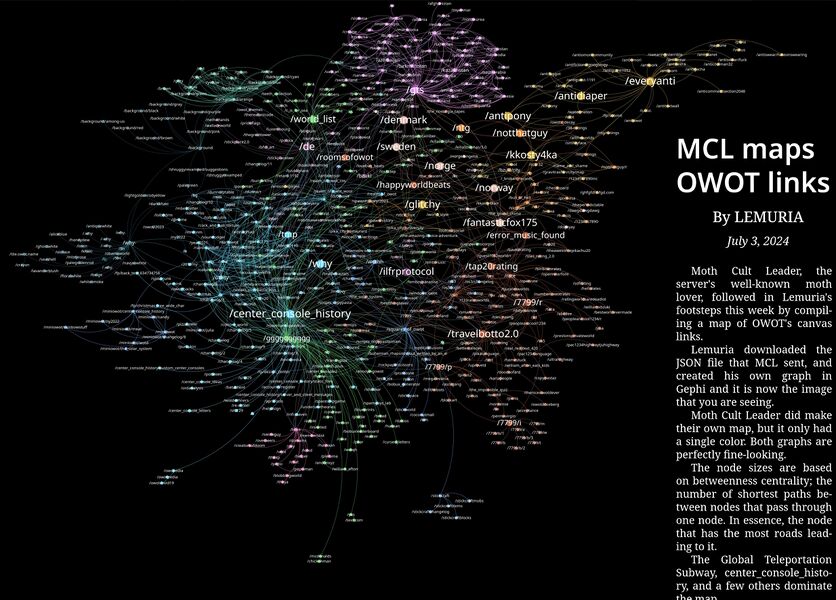
File:Owot links map.jpg|Map of OWOT worlds by [[Catha'vi]] and [[Lemuria]] | |||
</gallery> | |||
[[Category:Documentation]] | |||
[[Category:Worlds]] | |||
[[Category:Tutorials]] | |||
[[Category:Articles nominated by Guest-1052]] | |||
Latest revision as of 15:55, 8 July 2025

A world is a claimable OWOT URL. For example, /exampleworldforwiki.
To claim a world you need to have an account. Guest accounts cannot own worlds.
World Settings
World owners can change world settings such as themes, colors, background colors, world members, etc.
However, admins get extra world settings, like changing the background image of the world and setting a script to be automatically run when a world is entered.

Advanced world settings
If you click "Advanced" under "Miscellaneous", you'll be able to change advanced settings such as cell dimensions, write intervals, rate limits, meta descriptions, private notes, NSFW status (barely used), logging edits, disabling global chat, limiting copying and a membership key.

World claiming and shown worlds
If you have an account and go to your profile, you can see a list of your claimed worlds and an input box which allows you to claim a world.

WOTD
Worlds can be requested at /fp/submit to get added to the poll so they can become a WOTD.

World Ratings
Users have a long running traditions of leaving customized ratings on the worlds they visit.


Gallery
-
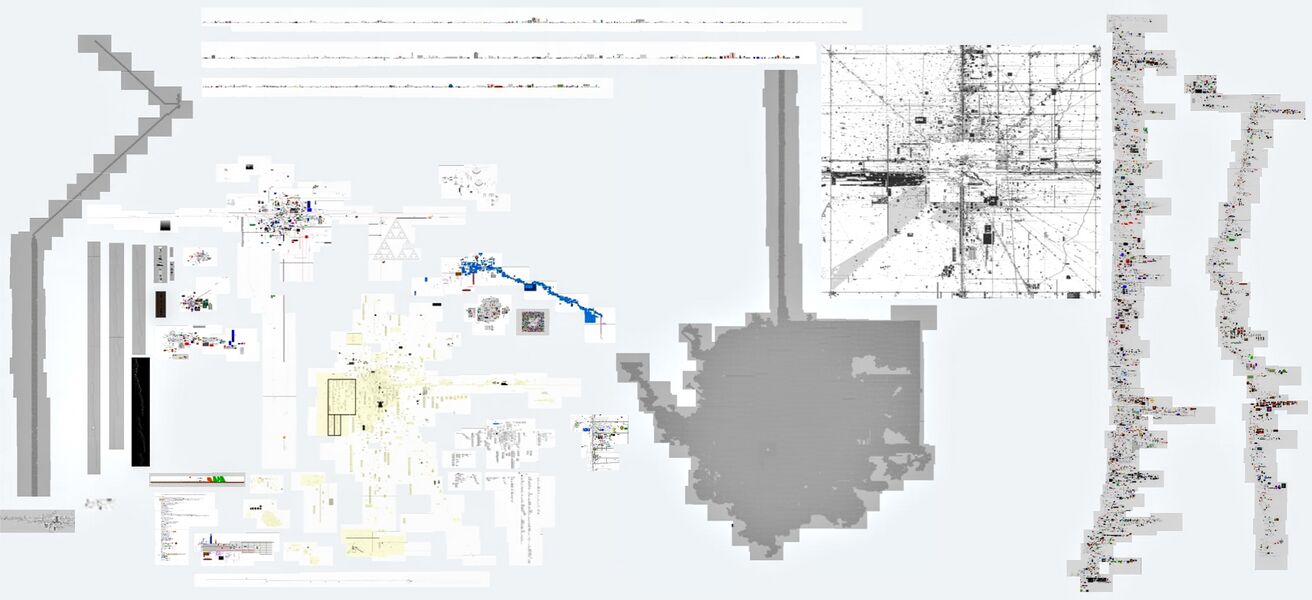 Stitched screenshots of notable worlds by Rscr
 -